#CleanYourVirtualDesktopDay
Join in the fun and clean up your PC's desktop today! Nothing's better than a nice, orderly desktop, right?
What Does #CleanYourVirtualDesktopDay Mean?
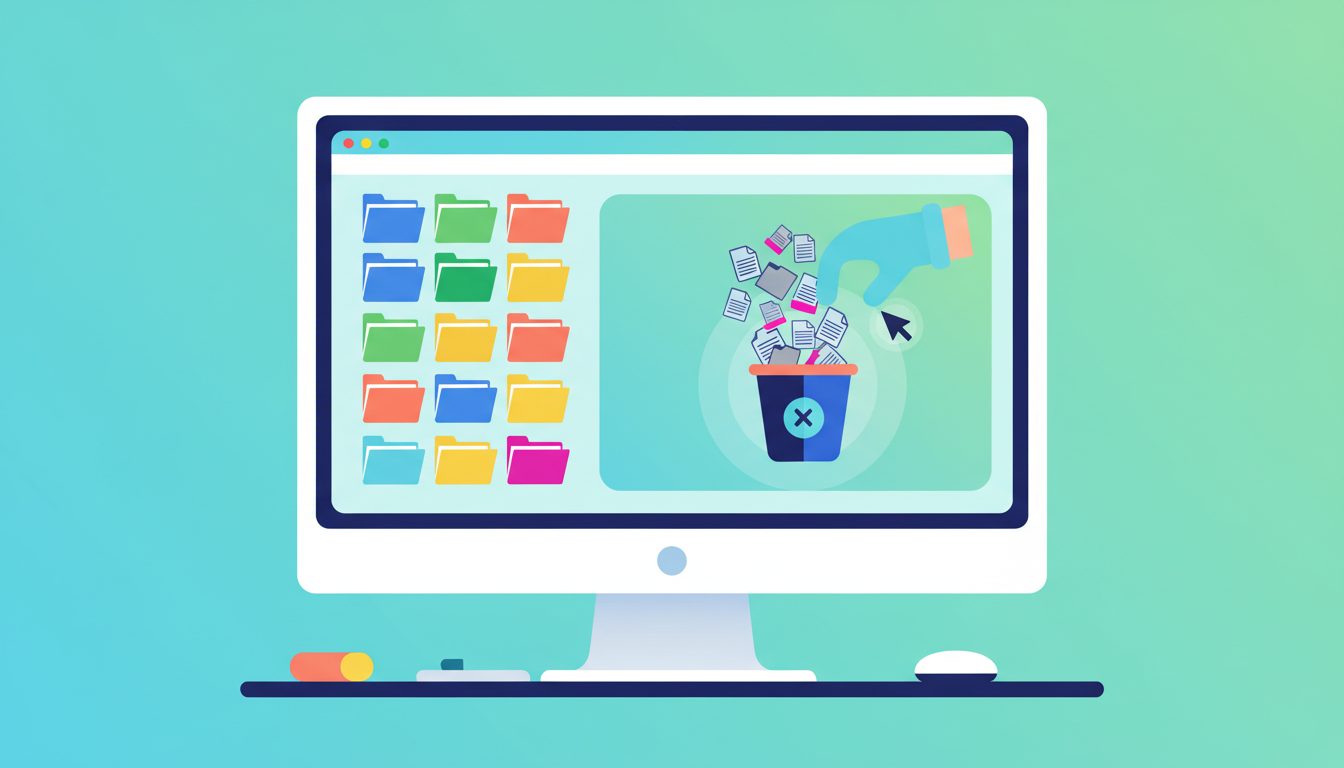
Clean Your Virtual Desktop Day is all about tidying up the digital clutter on your computer. It falls in October and gives everyone a nudge to organize files, delete old screenshots, and sort those 47 random icons you have been ignoring. A clean desktop means a clearer mind - or at least fewer accidental clicks.
How to Use #CleanYourVirtualDesktopDay
Share a satisfying before-and-after screenshot of your desktop cleanup. Bonus points if you show the chaos that was there before. Tag your messiest coworker for some friendly shaming.
The Digital Junk Drawer Nobody Talks About
Be honest - how many random files are sitting on your desktop right now? Screenshots from three months ago, that PDF you downloaded once, a folder called "New Folder (7)" that you have no idea what is inside. Clean Your Virtual Desktop Day on October 16 is your excuse to finally deal with it all. And yes, it is a real observance, because apparently we needed a formal nudge to right-click and hit delete.
The average person spends nearly 5 hours a week searching for files, according to workplace productivity studies. A messy digital desktop is basically the modern equivalent of a cluttered office desk, except you cannot just shove everything into a drawer when someone walks by. Well, you can - it is called a folder named "STUFF" - but that defeats the purpose.
Why Your Desktop Is a Mess (And Why It Matters)
Most people treat their computer desktop like a temporary holding zone that becomes permanent. You save a file to the desktop because it is quick and easy. Then you do it again. And again. Before you know it, your wallpaper - which you spent 20 minutes picking out - is completely invisible under a mountain of icons.
There is actually a productivity cost to this clutter. Research in cognitive psychology shows that visual clutter reduces your ability to focus. Every time you open your laptop and see 87 scattered icons, your brain is processing all of them at some level, even if you do not realize it. A clean desktop reduces that background noise and helps you concentrate on what actually matters.
Beyond focus, there are practical reasons too. Files saved directly to the desktop often are not backed up properly. They eat into your limited SSD storage. And if your computer ever crashes, those unsorted files are the ones most likely to vanish into the void.
How to Actually Clean Your Virtual Desktop
The best approach is not to just drag everything into one mega-folder. Instead, try the four-pile method:
Keep and organize: Files you actually need. Move them to proper folders in Documents, Projects, or wherever makes sense for your workflow.
Archive: Things you might need someday but not right now. Create an archive folder with the date so future-you knows when it was stashed.
Delete: Screenshots of tracking numbers from packages that arrived months ago. That meme you were going to send someone but forgot. Old downloads you already used. Be ruthless.
Deal with later: This pile should be small. If it is not, you are procrastinating disguised as organizing.
While you are at it, clean up your browser bookmarks, clear out old downloads, and empty your recycle bin. That "empty trash" step is weirdly satisfying and can free up gigabytes of space you forgot you were wasting.
Making It a Social Media Moment
Clean Your Virtual Desktop Day is surprisingly fun on social media. The before-and-after screenshot format is perfect for engagement because everyone can relate to desktop chaos. Post your "before" shot to show solidarity, then follow up with the pristine "after" to inspire others.
Some content ideas that work well:
Time-lapse screen recordings of the cleanup process are oddly mesmerizing. People love watching order emerge from chaos - it is basically digital Marie Kondo content.
Create a poll asking followers how many items are on their desktop right now. The responses are always entertaining, and the people with 200+ icons become instant legends in the comments.
Share your organizational system. Whether you use color-coded folders, a completely empty desktop with everything in the dock, or some elaborate filing structure, people love seeing how others stay organized. It sparks genuine conversation about workflows.
Tech creators can make tutorial content about desktop organization tools, custom folder icons, virtual desktops, or automation scripts that sort files automatically.
The Clean Desktop Philosophy
There is a whole subculture of people who keep their desktops completely empty at all times. Zero icons. Just the wallpaper. They use search functions, pinned taskbar apps, and keyboard shortcuts to access everything. For them, the desktop is not a workspace - it is a zen garden.
On the other extreme, some people argue that a messy desktop is a sign of creativity and that forcing everything into rigid folder structures kills spontaneity. They know exactly where that file is - third row from the top, slightly to the left of that other screenshot.
Most people fall somewhere in between. The sweet spot is usually keeping your desktop to under 10 items: a few active project folders, maybe one or two files you are currently working on, and the recycle bin. Everything else has a home somewhere in your file system.
Related Hashtags
Pair #CleanYourVirtualDesktopDay with #DigitalDeclutter for the broader organization movement. #ProductivityTips and #OrganizeYourLife work well for the practical crowd. If you are going for the satisfying transformation angle, try #BeforeAndAfter or #DesktopGoals. Tech-focused accounts can add #TechTips or #DigitalMinimalism to reach their audience.
Quick Info
-
Hashtag#CleanYourVirtualDesktopDay
-
When to PostOctober 16th
-
Full GuideAvailable below
Related Hashtags
Find More Hashtags
Search across 830+ curated hashtags